Affichage d'un contenu de type "article" différent d'après l'accès (navigation via menu ou recherche)

More
5 years 8 months ago - 5 years 8 months ago #78584 by Zazenshin
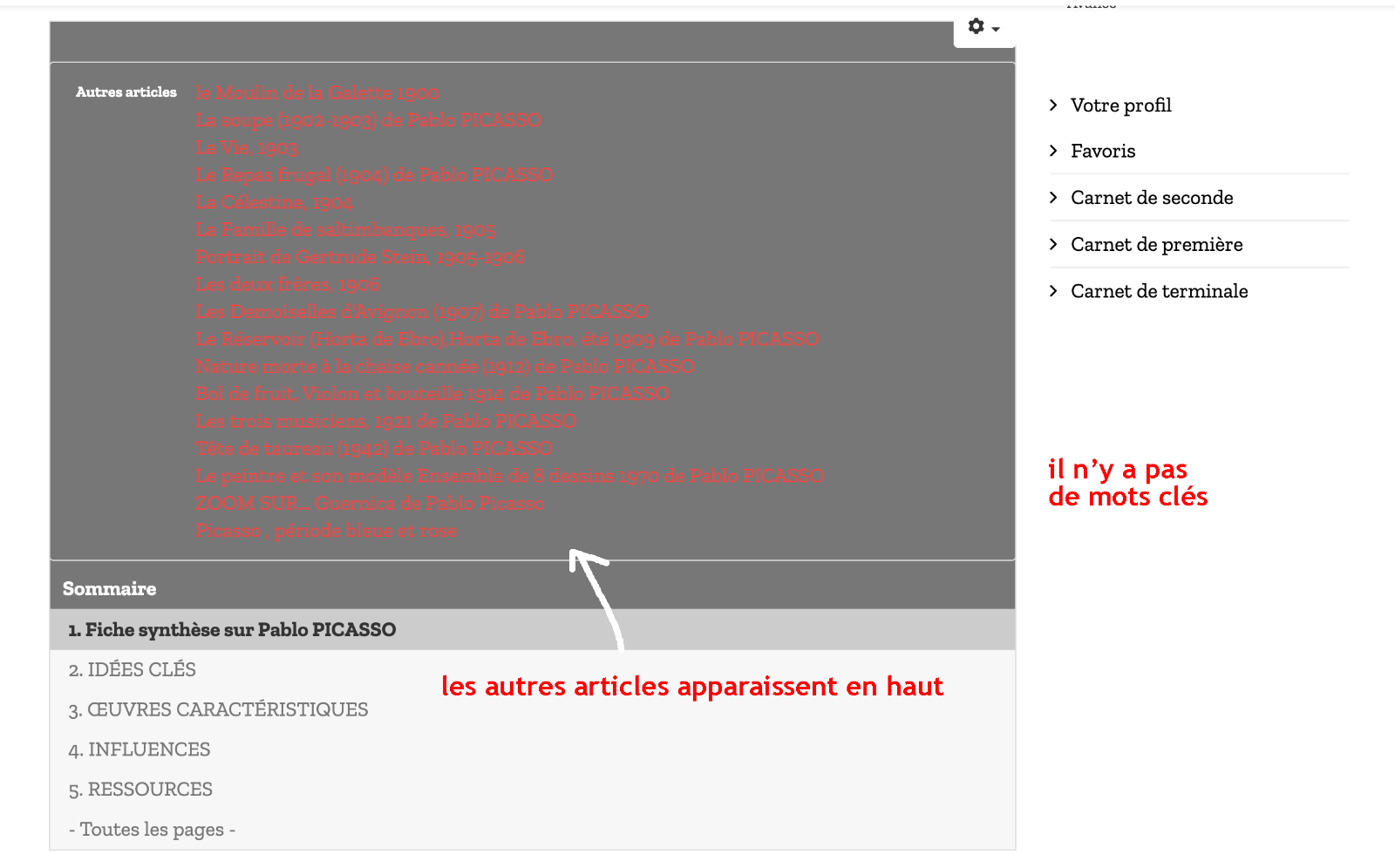
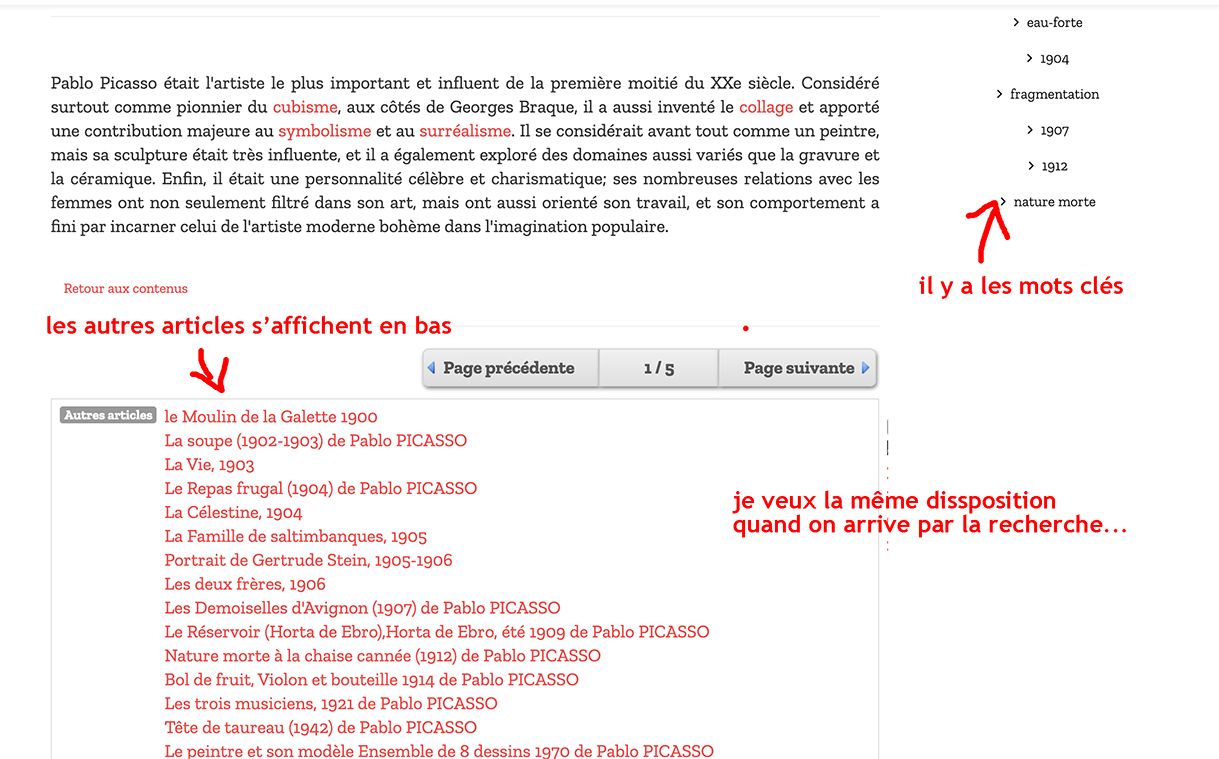
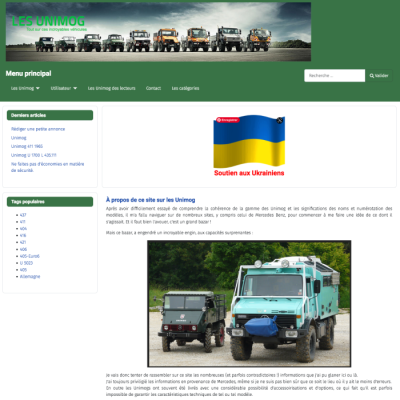
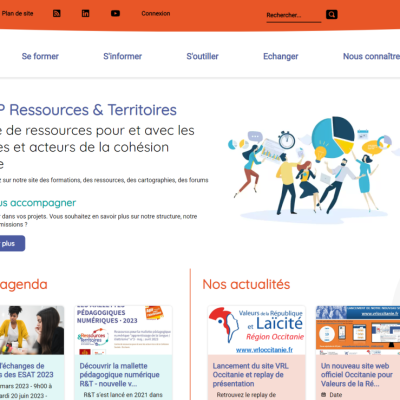
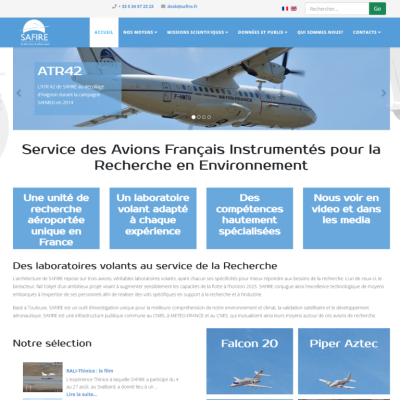
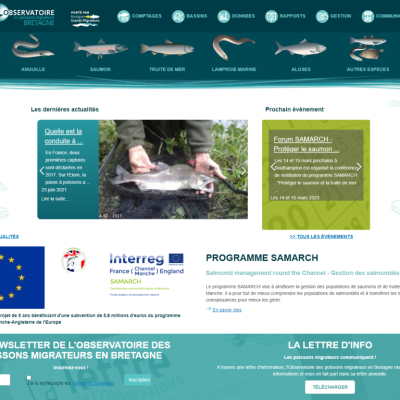
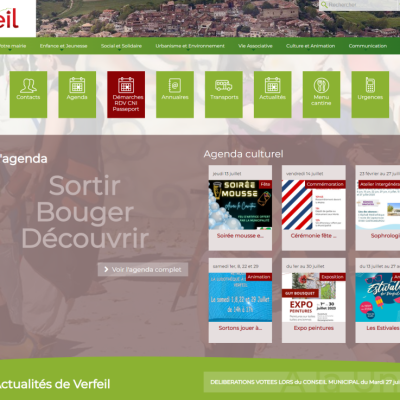
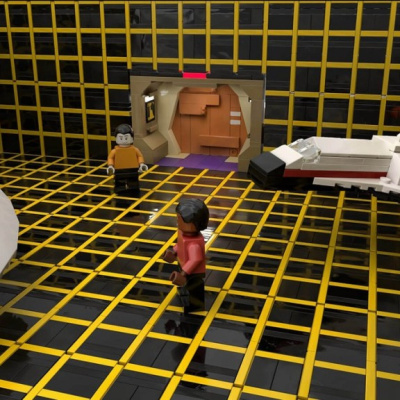
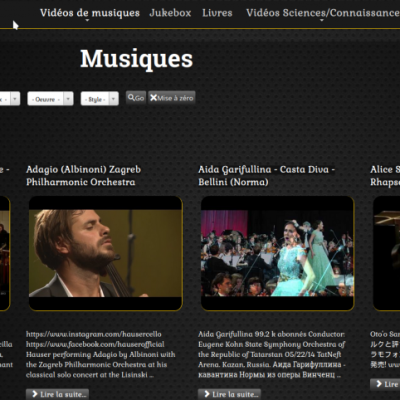
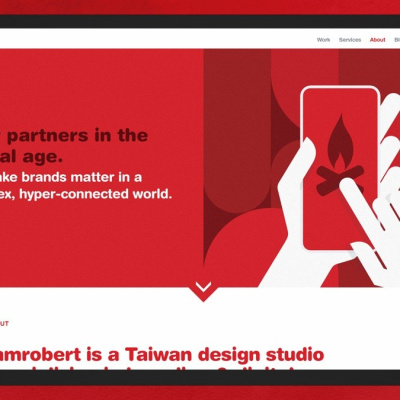
Voilà mon problème : j'ai des catégories "Artistes" avec des contenus de type "article". Quand j'utilise le module recherche et que je clique sur un résultat j'arrive sur une page différente à celle où j'accède au même contenu par l'intermédiaire de menu principal

Comment dois-je faire pour les résultats de la recherche affiche l'article sous la même forme que via le menu principal?

Voici quelques capture d'écran pour mieux comprendre mon problème.
Last edit: 5 years 8 months ago by ggppdk.

Please Log in or Create an account to join the conversation.

More
5 years 8 months ago #78585 by Zazenshin

Please Log in or Create an account to join the conversation.

More
5 years 8 months ago #78587 by micker
hello il faut utiliser la vue recherche de flexicontent et pas celle joomla
je pense

FLEXIcontent is Free but involves a very big effort on our part.
Like the our support? (for a bug-free FC, despite being huge extension) Like the features? Like the ongoing development and future commitment to FLEXIcontent?
-- Add your voice to the FLEXIcontent JED listing reviews. Thanks![/size]

Please Log in or Create an account to join the conversation.

More
5 years 8 months ago #78598 by ggppdk
Hello

the form that you use to search is a
- joomla search module ?
- joomla search view ?

- flexicontent search module
- flexicontent filtering module
- filtering form of flexicontent category view ?


-- Flexicontent is Free but involves a big effort on our part.
Like the our support? (for a bug-free FC, despite having a long list of functions) Like the features? Like the ongoing development and future commitment to FLEXIcontent?
-- Add your voice to the FLEXIcontent JED listing with a 5-star review. Thanks!

Please Log in or Create an account to join the conversation.

More
5 years 8 months ago #78605 by Zazenshin
Hello,

II've found... this is in the "article" type configuration. Thanks

Please Log in or Create an account to join the conversation.

More
5 years 8 months ago #78607 by ggppdk
Hello

so you are using the option that forces items of a Type A to use a specific menu ?

(if a menu item that points directly to the item is not found then we try to find a category menu item or some other FC menu item)

the option that you speak of will
- first try to find a menu item point to exact content item
- then if the above is not found it will use the menu item specified at type configuration (*before/after trying to find a category)


-- Flexicontent is Free but involves a big effort on our part.
Like the our support? (for a bug-free FC, despite having a long list of functions) Like the features? Like the ongoing development and future commitment to FLEXIcontent?
-- Add your voice to the FLEXIcontent JED listing with a 5-star review. Thanks!

Please Log in or Create an account to join the conversation.

More
5 years 8 months ago #78619 by Zazenshin
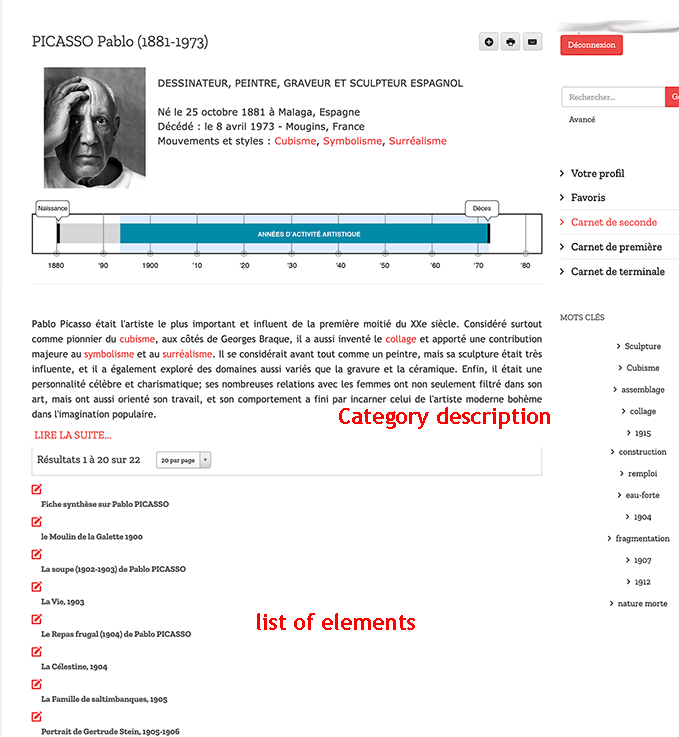
I always have the problem of a different view from the category view. I want the category to display its description and then the list of its items.

When you access the category from a link or by the search engine it displays the content of the category, i.e. a preview of its elements, and that I don't want....How can I do to show the content of the category only like in the image below

Please Log in or Create an account to join the conversation.

More
5 years 8 months ago #78620 by micker
no i didn't think its a the best way to do this
1 create a type : artiste with fields + 1 relation field
2 create a type : elements with fields + 1 relation reverse
link 2 types with relation and display all in item view ...
more simpllier more powerfull with relation field and building template system

FLEXIcontent is Free but involves a very big effort on our part.
Like the our support? (for a bug-free FC, despite being huge extension) Like the features? Like the ongoing development and future commitment to FLEXIcontent?
-- Add your voice to the FLEXIcontent JED listing reviews. Thanks![/size]

Please Log in or Create an account to join the conversation.

More
5 years 8 months ago #78623 by Zazenshin
Excuse me but I don't understand, what about category view. Where and what to do To setup the display of content of a category. Where there's a tuto for this?

Please Log in or Create an account to join the conversation.

More
5 years 8 months ago #78624 by micker
hello in my case no need to use category view !
if you want to customize catgory view :
- set template of your category view in display tab (in your category) like grid or blog
- go to template section (of flexicontent)
- edit your assigned template
- drag and drop your fields in position

FLEXIcontent is Free but involves a very big effort on our part.
Like the our support? (for a bug-free FC, despite being huge extension) Like the features? Like the ongoing development and future commitment to FLEXIcontent?
-- Add your voice to the FLEXIcontent JED listing reviews. Thanks![/size]

Please Log in or Create an account to join the conversation.

Moderators: vistamediajoomlacornerggppdk
Cookies user preferences
We use cookies to ensure you to get the best experience on our website. If you decline the use of cookies, this website may not function as expected.
Accept all
Decline all
Essential
These cookies are needed to make the website work correctly. You can not disable them.
Display
Accept
Analytics
Tools used to analyze the data to measure the effectiveness of a website and to understand how it works.
Google Analytics
Accept
Decline
Save