Hello,
OK. But, for now, I'm still looking for the place where I can do on the
Category the same thing I did with the
Universal content module = change the parameter in the tab:
Gestion du contenu via paramètres
Under the section:
Image
I was on :
Yes, resize
with size parameters
I changed it ot:
Medium size thumbnail
This worked for the Universal content module, so I guess something somewhere was not liking the parameters like:
&w=110&h=110&aoe=1&q=95&zc=1&f=jpg
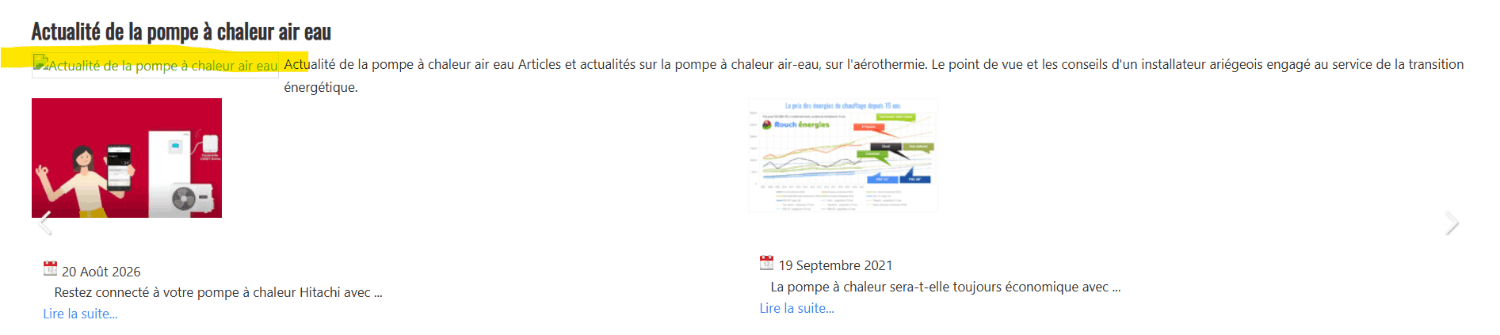
I still have a problem with the image of the category displayed at the top of this carousel, as you can see here :
Here, the link to the thumbnail looks like :
/components/com_flexicontent/librairies/phpthumb/phpThumb.php?src=//images/banners/images-diaporama/1280x800-pour-microdata/pompe-a-chaleur-blog-actualite-1280x800-min.jpg&w=127&h=79&aoe=1&q=95&f=jpg
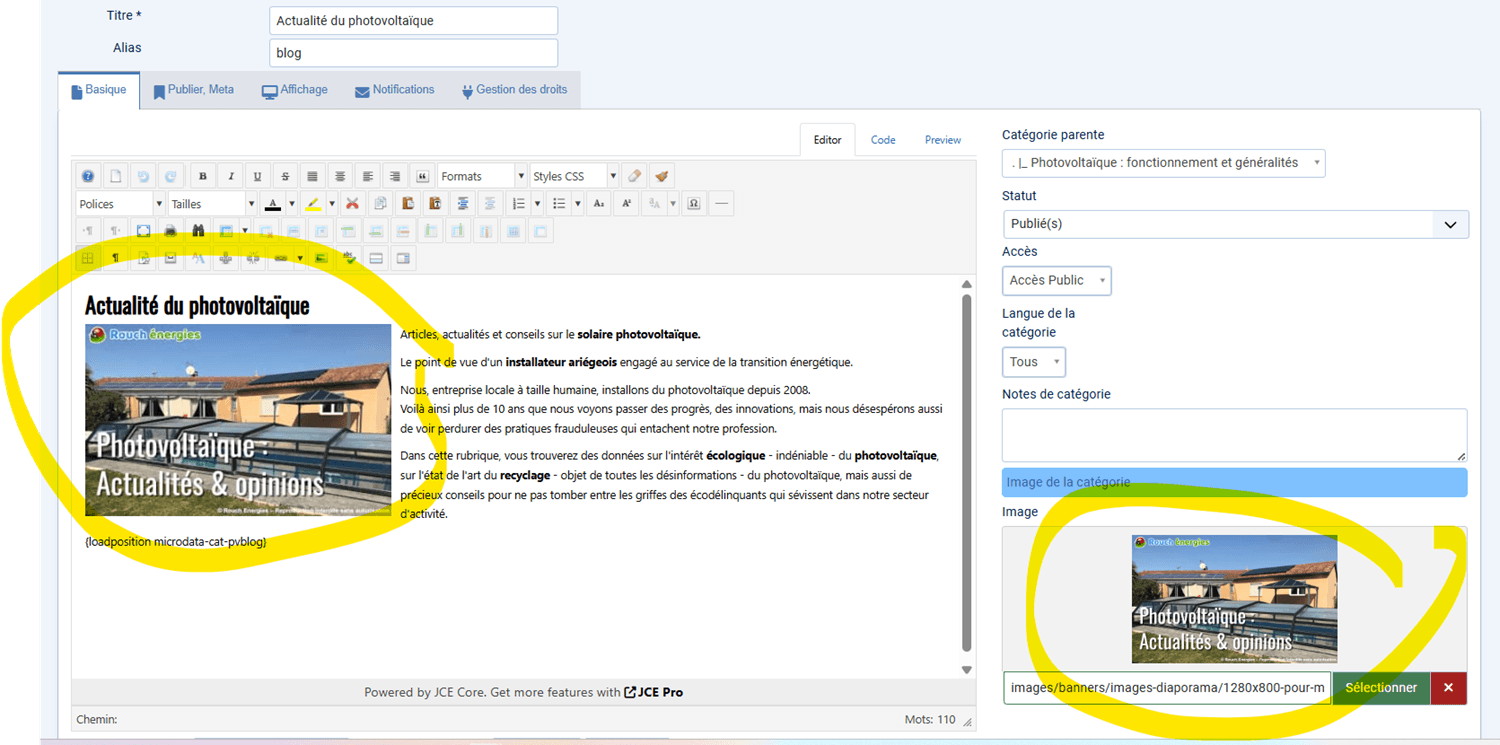
➡️ Where can I find this resize parameter on the
Category when it is displayed above the carousel of the Universal content? (because if I display the category "normally", in a category blog, the image is displayed normally, without any parameters at the end of the src link : Flexicontent only adds theose parameters inside the Universal content module)